Methods of Securing Data (Edexcel IGCSE Ict)
Passwords, PINs & biometrics
Spec point —
3.1.2
What is a strong password?
-
Strong passwords should contain:
- More than eight characters
- A mixture of letters, numbers and symbols
- A mixture of uppercase and lowercase letters
- Uncommon words/phrases
-
Passwords should be changed regularly
What are biometrics?
-
Biometrics are a way of authenticating a user by using their unique human characteristics
-
Some of the ways biometrics can be used are:
- Fingerprint scans
- Retina scans
- Facial recognition
| Advantages | Disadvantages |
|---|---|
| - Unique to the person and can not be copied, meaning that the data is always with the person - Passwords can be easily copied, forgotten, guessed or cracked - It is difficult to copy or forge biometric data - Eliminates the possibility of attacks such as shoulder surfing and key-logging software - A high degree of accuracy as there is no known way to copy a person's retina pattern for example | - can be intrusive, for example, scanning eyes - Scans may not be recognised, an example of this could be fingerprint scans with dirty hands - Very expensive to install - Low light can provide an issue for facial recognition as well as hats and glasses - People may be uncomfortable having their most unique characteristics being stored in a database |
What is a CAPTCHA?
-
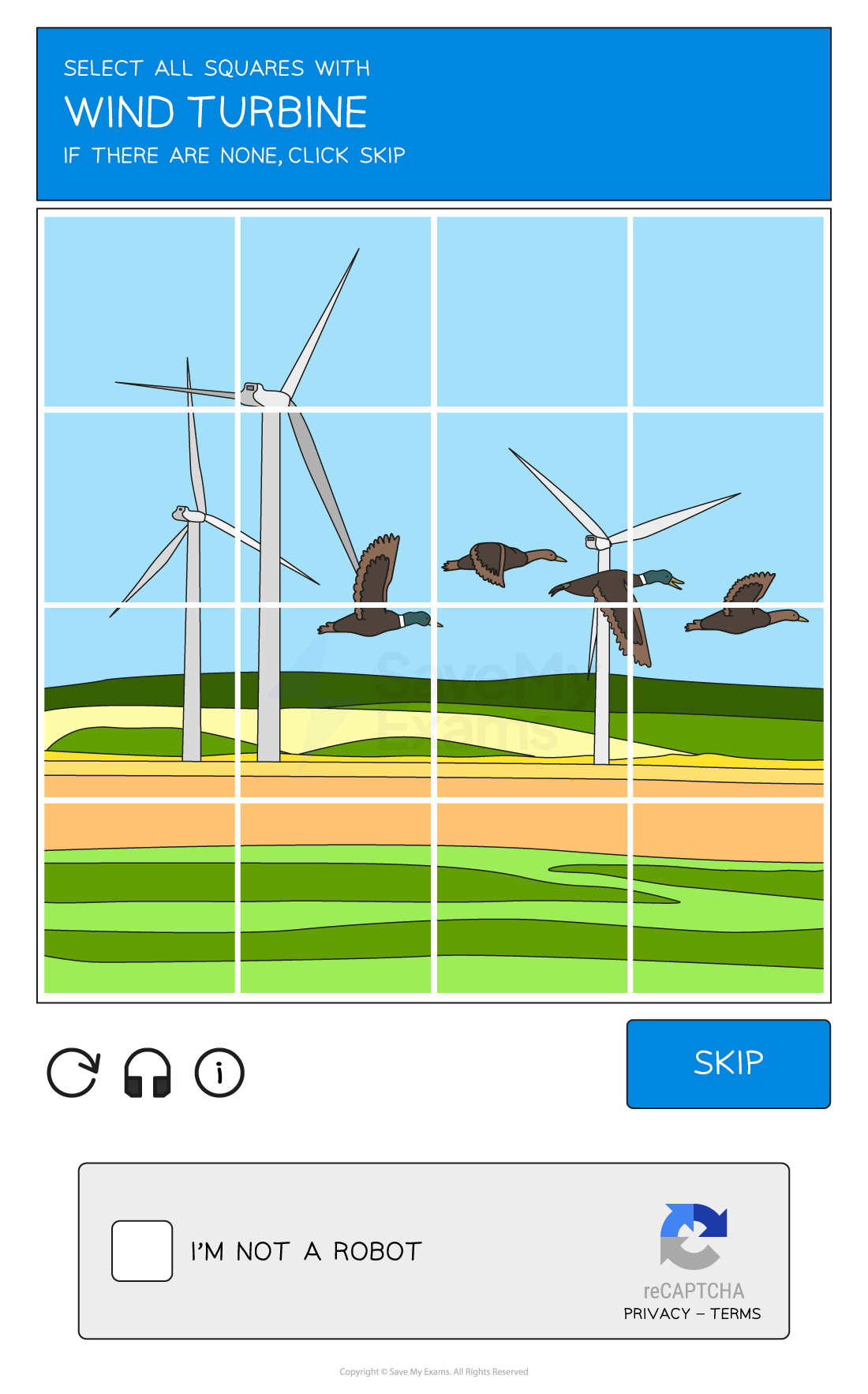
A CAPTCHA is a method of testing if a website request originates from a human or a machine(bot)
-
Completely Automated Public Turing test to tell Computers & Humans Apart (CAPTCHA) examples include:
- Text- Asking users to enter characters from a distorted text box, users would need to decipher the characters and enter them in a designated box
- Image- A grid of images, a user would be asked to select all those that contain a specific object
- Checkbox- A simple checkbox appears asking the user to confirm they are not a robot
-
A CAPTCHA can be used to prevent spam and protect logins
Anti-malware
Spec point —
3.1.2
What is anti-malware software?
-
Anti-malware software is a term used to describe a combination of different software to prevent computers from being susceptible to viruses and other malicious software
-
The different types of software anti-malware include:
- Anti-virus
- Anti-spam
- Anti-spyware
How does anti-malware work?
- Anti-malware scans through email attachments, websites and downloaded files to search for issues
- Anti-malware software has a list of known malware signatures to block immediately if they try to access your device in any way
- Anti-malware will also perform checks for updates to ensure the database of known issues is up to date
Access rights
Spec point —
2.5.1
What are access rights?
-
Access rights ensure users of a network can access what they need to access and do not have access to information/resources they shouldn't
-
Users can have designated roles on a network
-
Access rights can be set based on a user's role, responsibility, or clearance level
- Full access - this allows the user to open, create, edit & delete files
- Read-only access - this only allows the user to open files without editing or deleting
- No access - this hides the file from the user
-
Some examples of different rights of access to a school network could include:
- Administrators: Unrestricted* - Can access all areas of the network
- Teaching Staff: Partially restricted - Can access all student data but cannot access other staff members' data
- Students: Restricted - Can only access their own data and files
-
Users and groups of users can be given specific file permissions
Secure websites
Spec point —
3.1.2
What is HTTP & HTTPS?
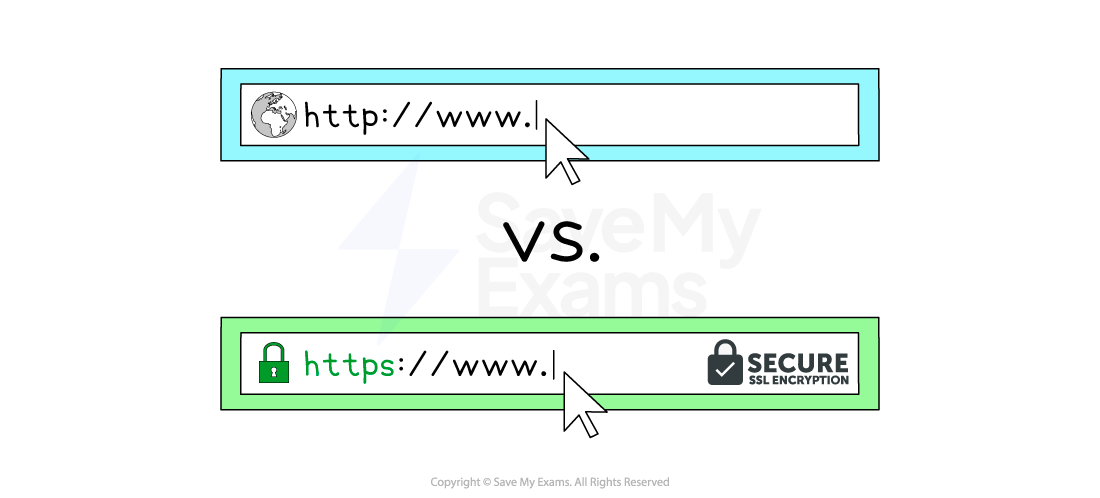
- Hypertext Transfer Protocol (HTTP) allows communication between clients and servers for website viewing
- HTTP allows clients to receive data from the sever (fetching a webpage) and send data to the server (submitting a form, uploading a file)
- HTTPS works in the same way as HTTP but with an added layer of security
- All data sent and received using HTTPS is encrypted
- HTTPS is used to protect sensitive information such as passwords, financial information and personal data
Email safety
Spec point —
3.1.2
What is email safety?
-
Users should be aware of the dangers when using email, especially **email attachments **and web links
-
To ensure users use email safely they should take** extra caution** when:
- Email is from an unknown sender
- Text is general or impersonal
- Contains **spelling, punctuation or grammar **mistakes
- Attached files are** executable files** (.exe)
- Urgency is the tone of the message
- Don't recognise the URL
Backup procedures
Spec point —
2.5.1
What is backup software?
-
Backup software is used to create copies of personal data in order to keep it safe in the event of:
- Accidental loss
- Data theft
-
Backups can be automated and scheduled to happen at less busy periods of the day, to not take up valuable system resources (e.g. overnight etc.)
-
Backups can be made in two ways:
- Full- all files are backed up (safest, slow)
- Incremental- only files that have been added/modified since the last backup are backed up (faster, less secure)
-
Backups can be stored locally(secondary storage) or remotely (cloud)
-
Backup software can be purchased or come as a standalone application bundled with an operating system
Was this revision note helpful?
Build on this topic