Layout (Cambridge International IGCSE ICT)
How can you change the layout of a page?
-
The layout of a page can be changed in a variety of ways, including:
- Size
- Orientation
- Number of columns etc.
Changing page layout of a document
Gutter Margin
What is a gutter margin?
-
A gutter margin provides extra space on either side (left or right) of a document
-
It ensures text is not obscured by a binding mechanism when the document is folded or opened
-
Without gutter margins, printed information can be hidden or difficult to read
-
Benefits include:
- Improved readability
- Enhanced aesthetics
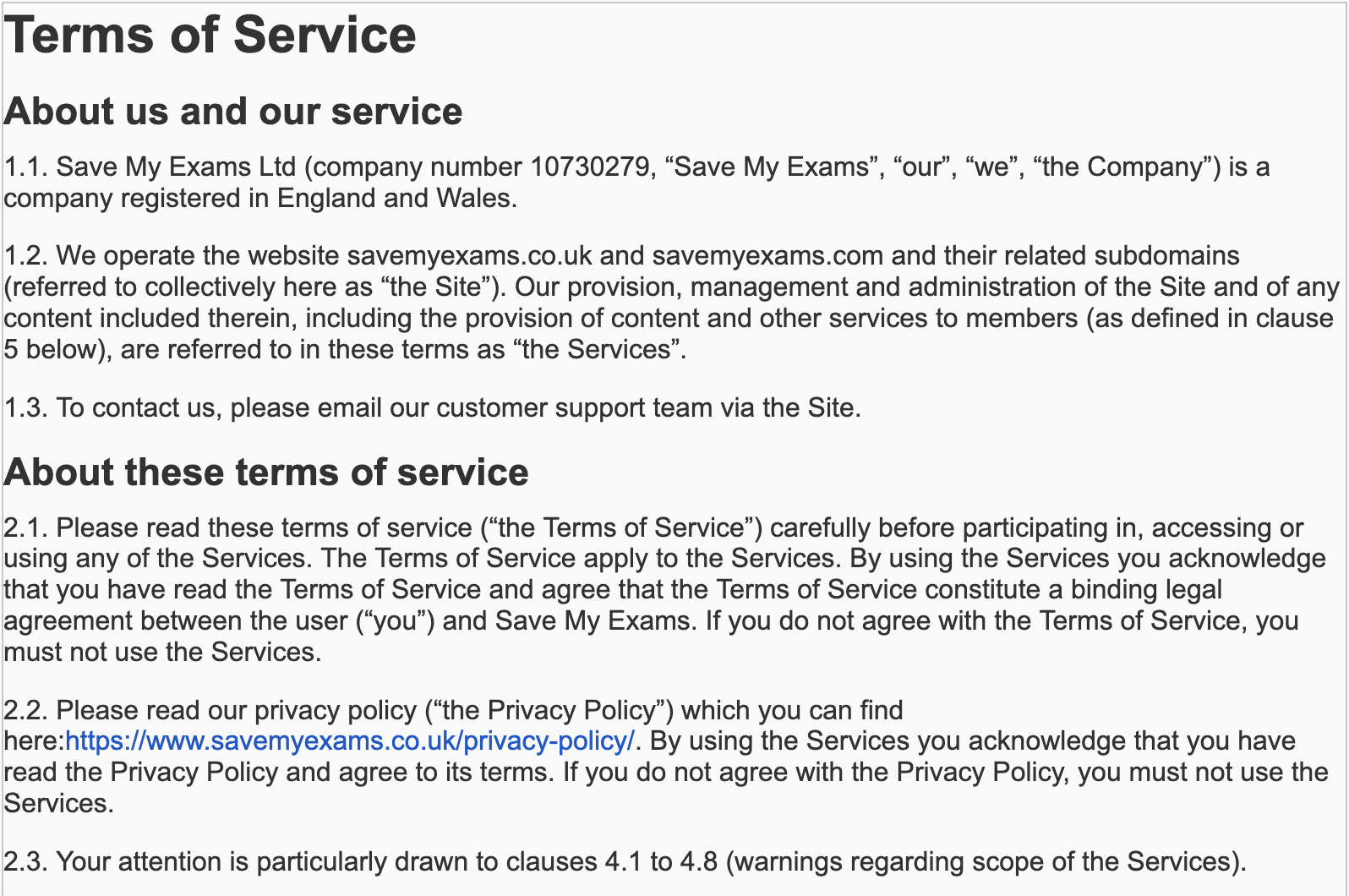
Without a gutter margin
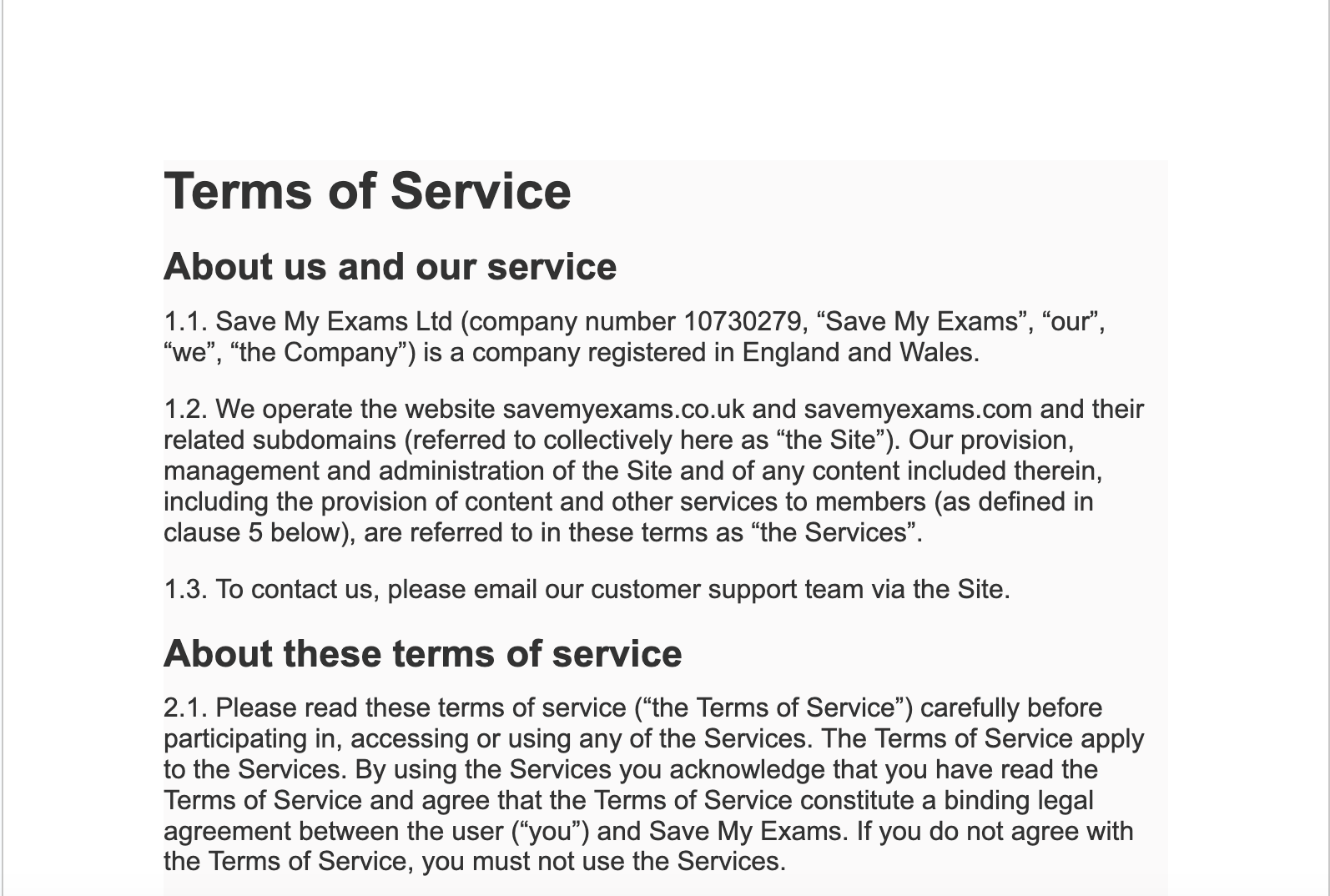
With a gutter margin
Pagination
What is pagination?
-
Pagination is a method of dividing information into manageable chunks to control the layout and organisation of a document
-
Pagination is used in:
- Printed materials
- Websites and applications
Adding breaks to a document
Page breaks
-
A page break forces content to start on a new page even when there is still space available.
-
Common uses include:
- Starting a new chapter or section
- Separating graphics and tables from surrounding text to improve readability
- Ensuring all page elements appear at the top of a page
Column breaks
-
A column break divides a page into multiple columns to suit specific content types
-
Common uses include:
- Creating a newsletter or brochure
- Formatting content for easier viewing on screen
Section breaks
-
A section break creates independent sections that can be formatted differently
-
Common uses include:
- Changing page orientation for a specific section
- Applying different column layouts in the same document
Was this revision note helpful?
Build on this topic