Electronic Conferencing (Cambridge International IGCSE ICT)
Video-Conferencing
What is video-conferencing?
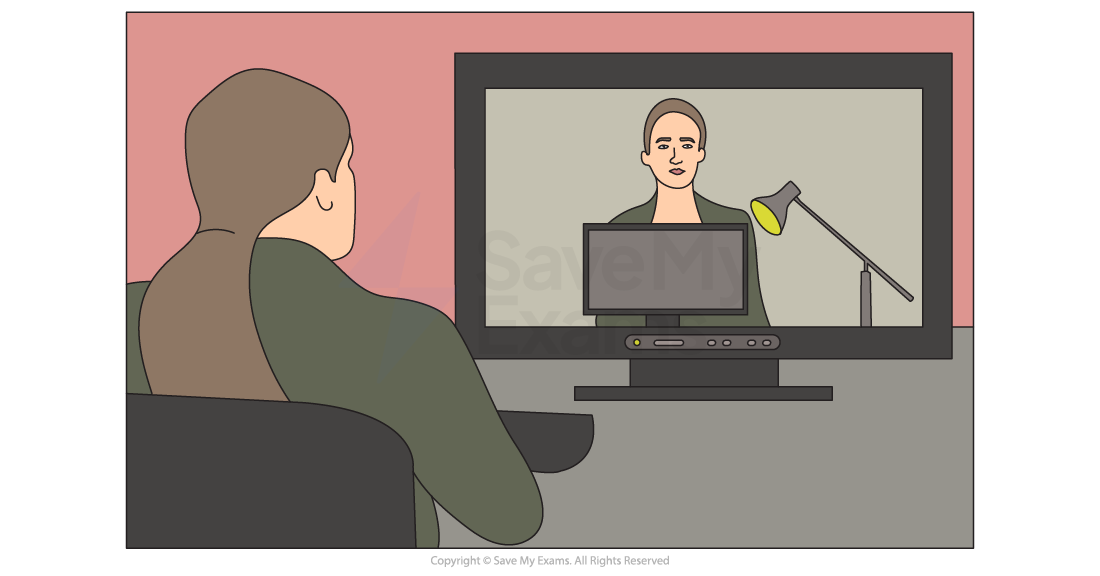
-
Video-conferencing is a way of enabling real-time audio and **visual communication **between geographically separated parties
-
Video-conferencing** is ideal for small groups of users** to create an engaging meeting experience
-
Video-conferencing is typically used for:
- Staff meetings
- Presentations
-
To successfully host a video-conference, the following hardware is required:
- Webcam
- Large output display (projector, screen, TV etc.)
- Microphone
- Speakers
-
Specialist software is also required, such as:
- Drivers to control the output of the webcam
- A codec to encode (compress) and decode (decompress) data being transmitted
Advantages and disadvantages of video-conferencing
| Advantages | Disadvantages |
|---|---|
| - Convenience - Cost saving - Better for the environment - Attendees do not have to travel to the event - Anyone within the company can attend regardless of location - Events can be held at short notice as travel is not required - Allows other members outside of the organisation to attend easily without having to visit on premises - Some video conferencing software allows record and playback to allow members to review the meeting | - The initial purchase of equipment can be costly - Possible issues amongst employees when working across different time zones - Those using the system may need to be trained to use it effectively which can: - Take time - Be costly - Video-conferencing systems require a strong and stable network connection - Poor picture/sound quality caused by the speed of connection/quality of the hardware - Delays (audio & visual) can disrupt the flow of the meeting |
Audio-Conferencing
What is audio-conferencing?
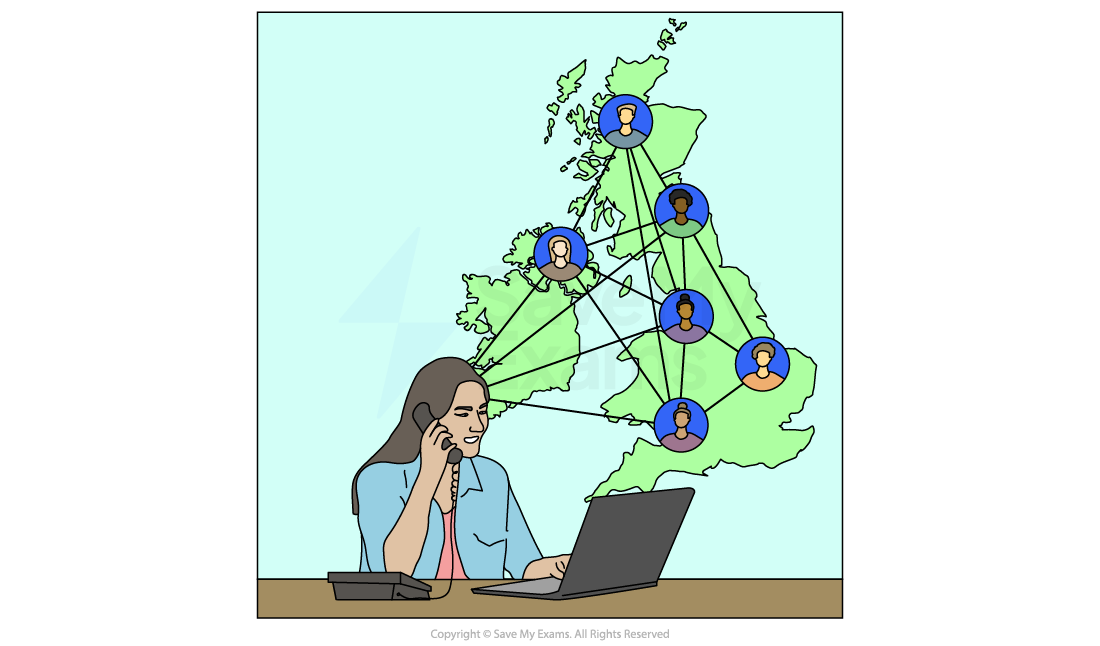
- Audio-conferencing is a way of enabling real-time audio only communication ****between geographically separated parties
- Audio-conferencing uses standard** phone lines**
- To host an audio-conference, the host must be given a personal PIN and a participant PIN by the phone company
- The host starts the conference using their personal PIN and participants dial in and join using their participant PIN
- Voice over Internet Protocol (VoIP) can be used on computers to hold audio-conferences
Advantages and disadvantages of audio-conferencing
| Advantages | Disadvantages |
|---|---|
| - Cheaper than video-conferencing as less hardware is required - More accessible as less training is needed for participants - Gives participants the ability to focus only on voice and not get distracted by video | - participants can lose focus due to lack of visual interaction - A lack of visual clues may lead to miscommunication - Audio quality can be poor - Does not suit collaboration |
Web-Conferencing
What is web-conferencing?
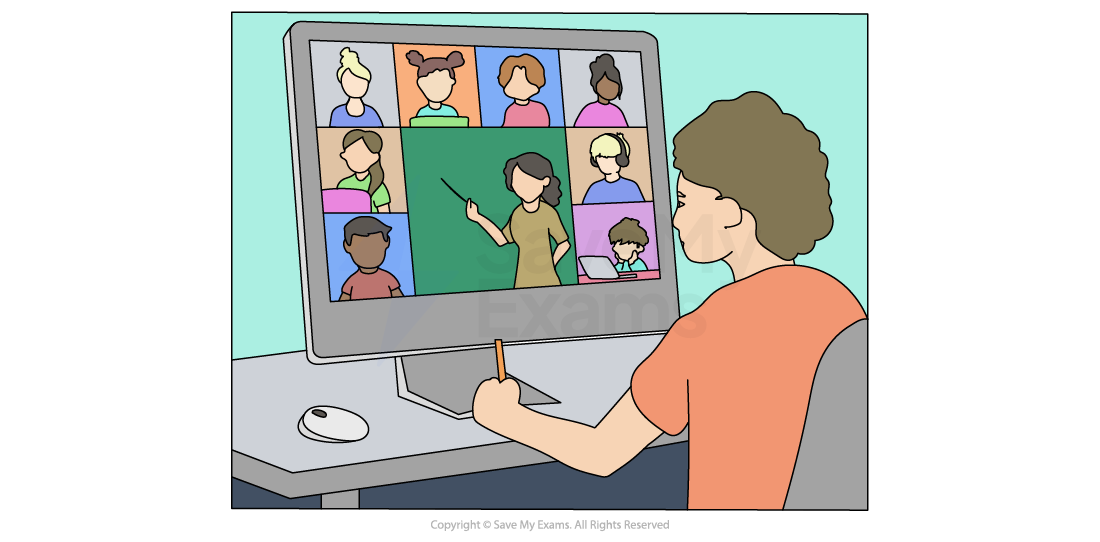
-
Web-conferencing is a way of enabling real-time audio and visual communication between geographically separated parties on the internet
-
Web-conferencing is ideal for large groups of users to create an engaging meeting experience
-
Web-conferencing is typically used for:
- Webinars
- Lectures
- Presentations
-
To host a web-conference the emphasis is placed on a high-speed, stable internet connection
| Advantages | Disadvantages |
|---|---|
| - Pre-shared/downloadable presentation notes/slides - Participants can use instant messaging within conference to ask questions - Collaboration via virtual 'whiteboards' - Screen sharing/annotations | - Technical issues usually relating to participant internet connections - Security concerns, risk of data interception - Distractions - Some users may feel overloaded with information which can lead to a lack of focus |
Exam Hint Web-conferencing and video-conferencing are very similar however, the key differences are:
- Video conferencing has a focus on face to face communication
- Web conferencing has a focus on interaction and collaboration such as document sharing, whiteboards etc
Worked Example A motor car company has some designers based in London and some in Beijing.
The cost of travel between the two cities is very high, so when they wish to meet to discuss new products they use video-conferencing.
The designers all have PCs with a keyboard and a mouse in order to take part in video-conferencing.
a. Name three other devices used to input or output data which would be needed to take part in the video-conference.
[3]
b. Describe three potential problems of the designers using video-conferencing systems rather than meeting in either London or Beijing.
[3]
Answers
a. Three of:
Final answer: Webcam / video camera [1] Speakers / headset / headphones [1] Large monitor / television / data projector [1] Microphone [1]
b. Three from:
Final answer: Time lag / lip sync caused by the image not being synchronised with the sound [1] Poor picture quality caused by the speed of connection / quality of the hardware [1] More likely to have poorer sound quality caused by the quality of the hardware / connection [1] Confidential material about the new cars may have to be signed / viewed in person [1] The new car may have to be viewed in person [1] Hardware breakdown stops the conference taking place [1] Communication breakdown stops the conference taking place [1] Different time zones will mean the conference has to take place at inconvenient times [1]
Was this revision note helpful?
Build on this topic